Scan multiple codes at once
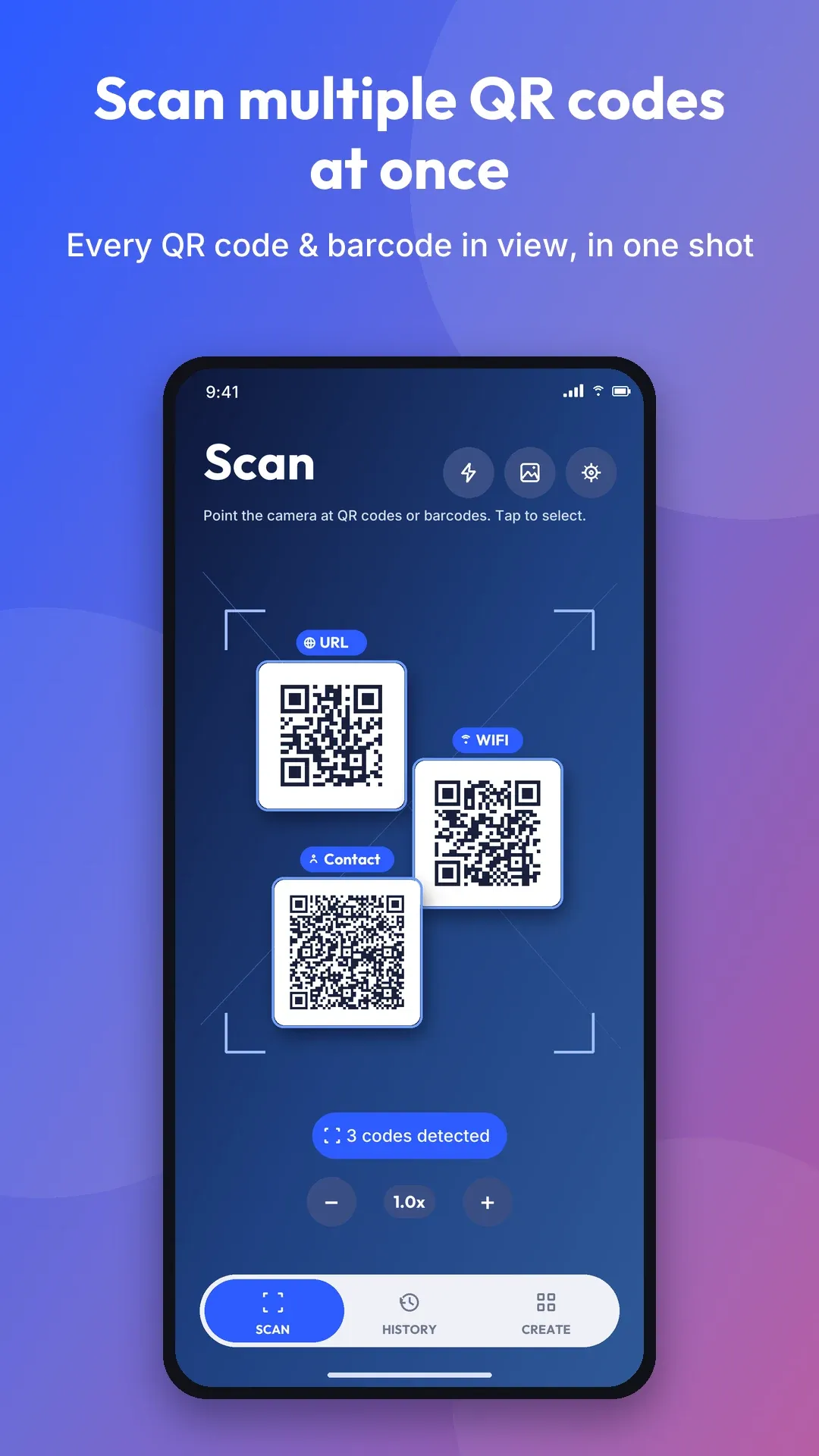
Recognize QR codes and barcodes together in the camera view. Batch mode keeps collecting results as you scan. Read images from your gallery, and use the flashlight or zoom when needed.
Multiple codes. One scan.
From menus and Wi-Fi cards to shelves and ticket sheets, PluraScan reads multiple codes at once. Keep scanning to collect a list, act on any result, or design a QR code of your own — all in one clean Android app.
Screenshots
Scroll for more
Features · Scan, create, organize
Recognize QR codes and barcodes together in the camera view. Batch mode keeps collecting results as you scan. Read images from your gallery, and use the flashlight or zoom when needed.
Supports QR Code, Data Matrix, Aztec, PDF417, EAN-13, EAN-8, UPC-A, UPC-E, Code 128, Code 39, Code 93, Codabar and ITF — for tickets, labels, products and more.
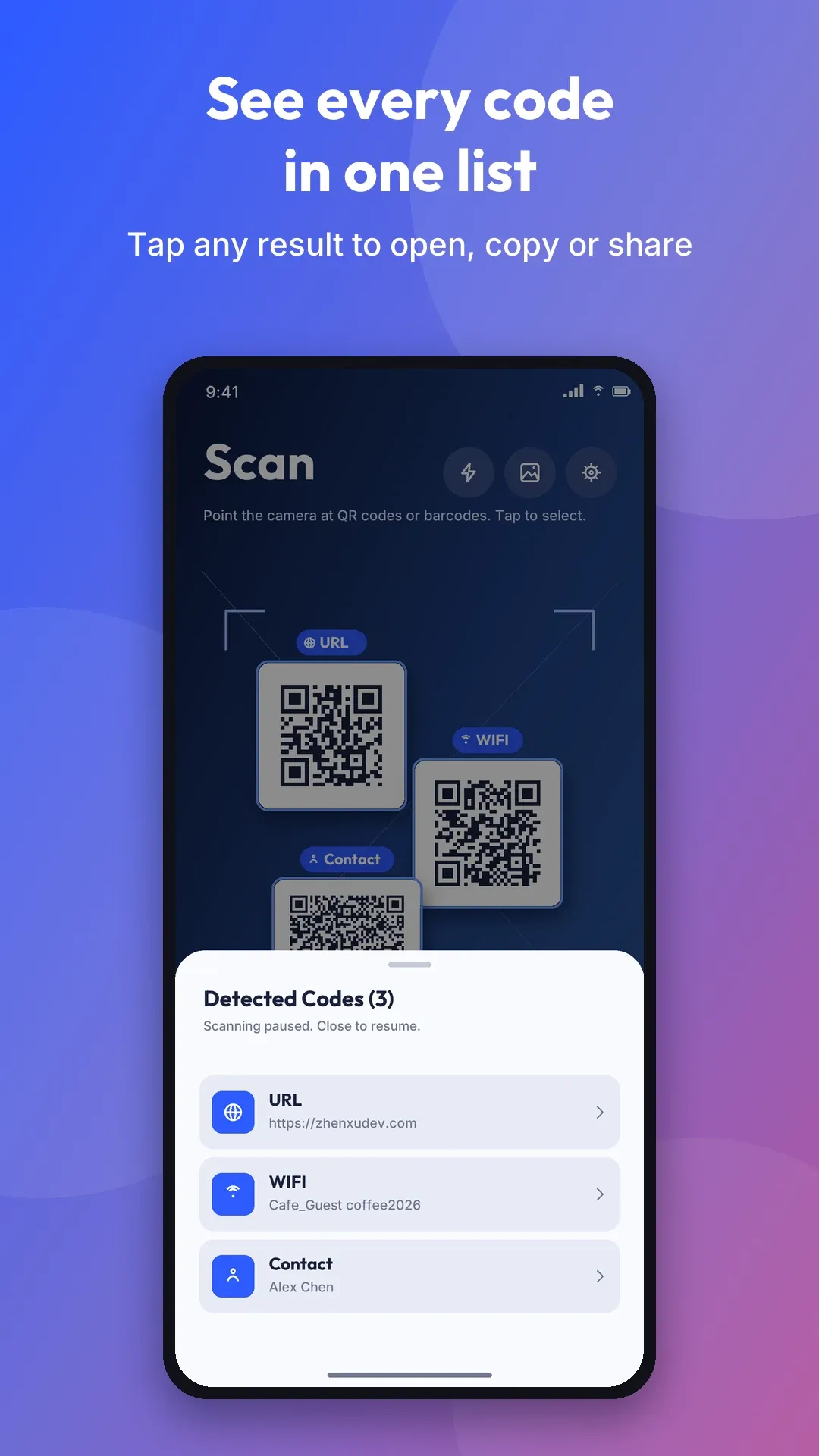
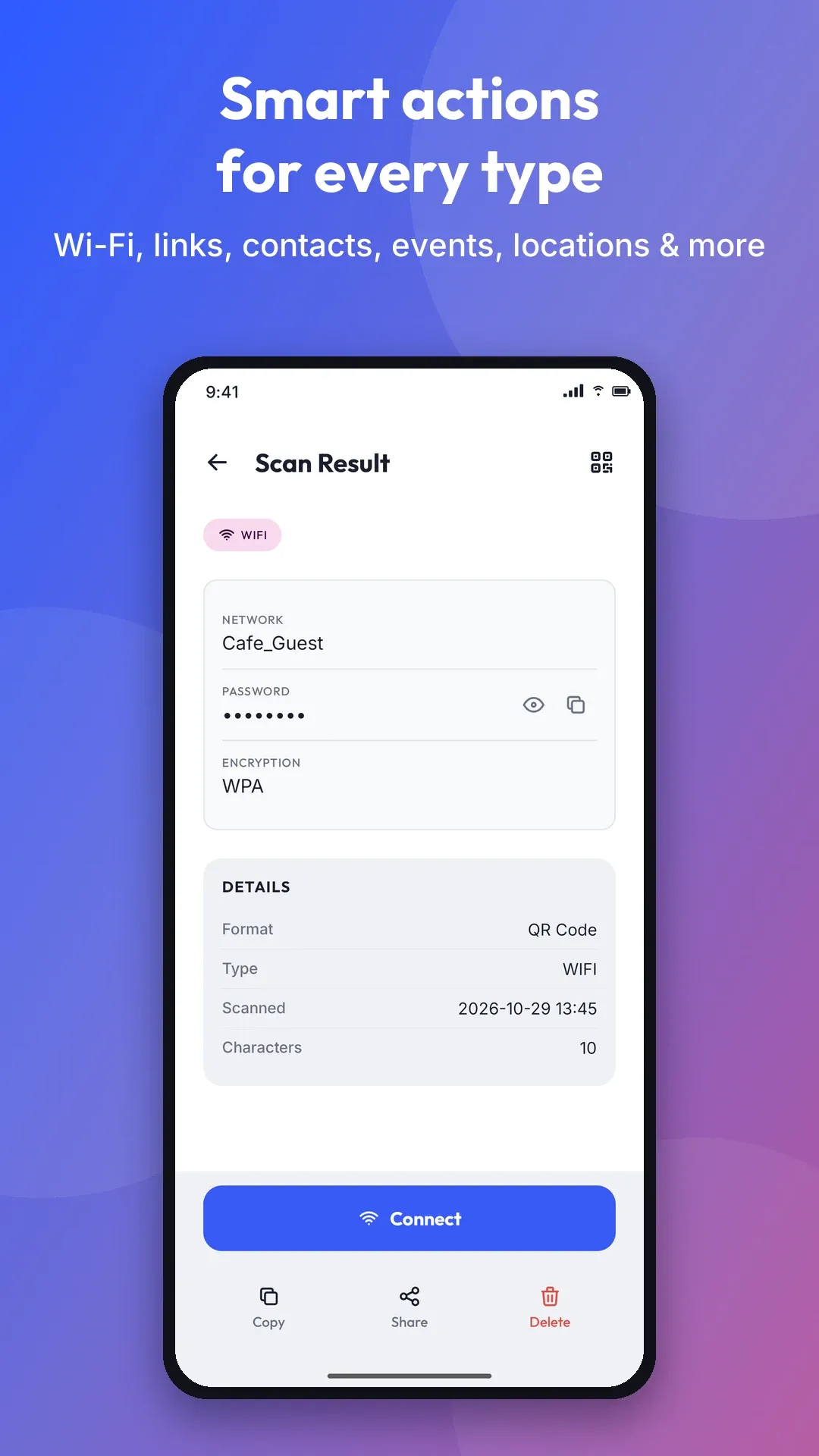
Open links, connect to Wi-Fi, save contacts, add calendar events, view locations, write emails or messages, and call phone numbers. Copy and share text or product barcode numbers.
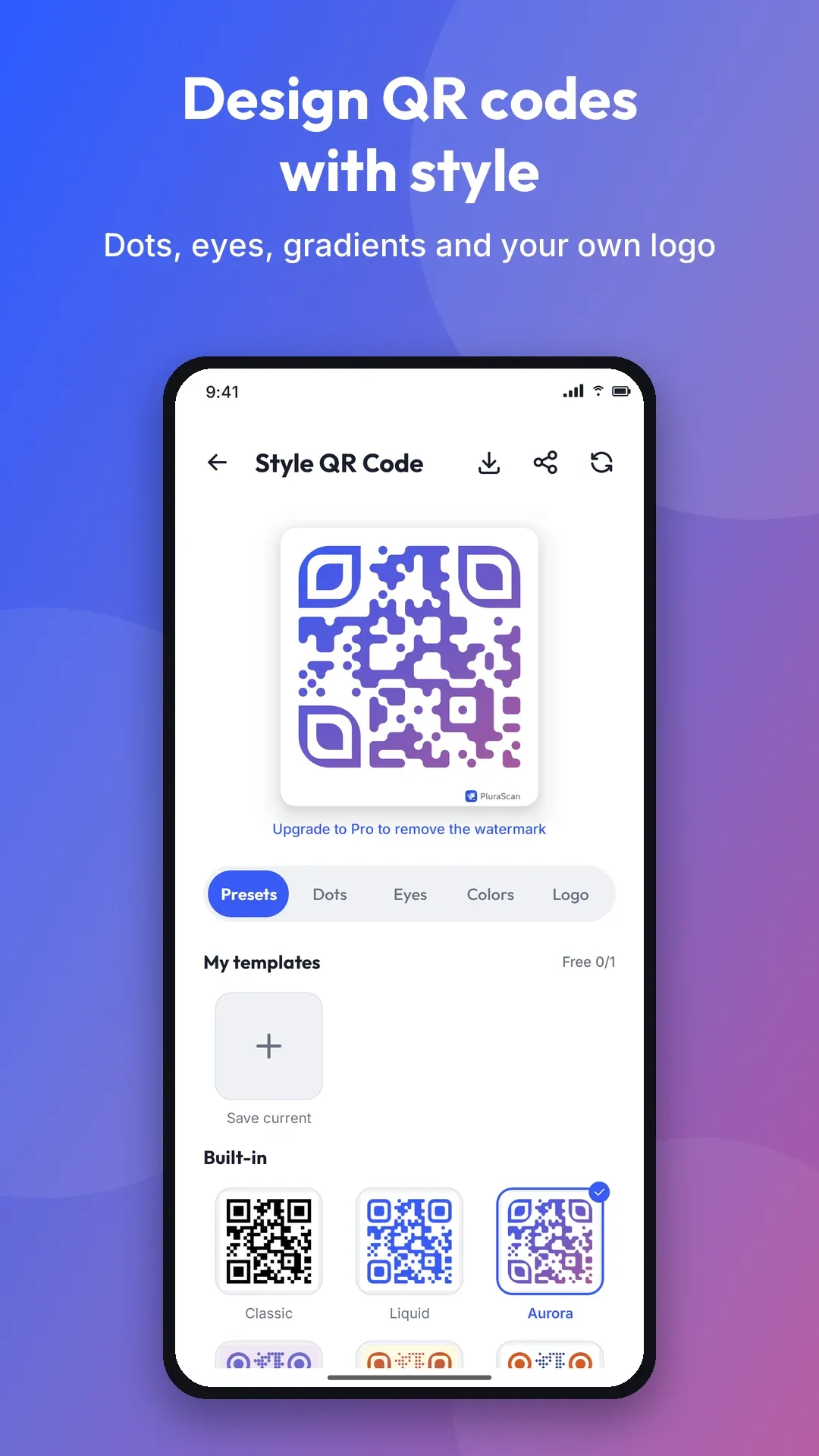
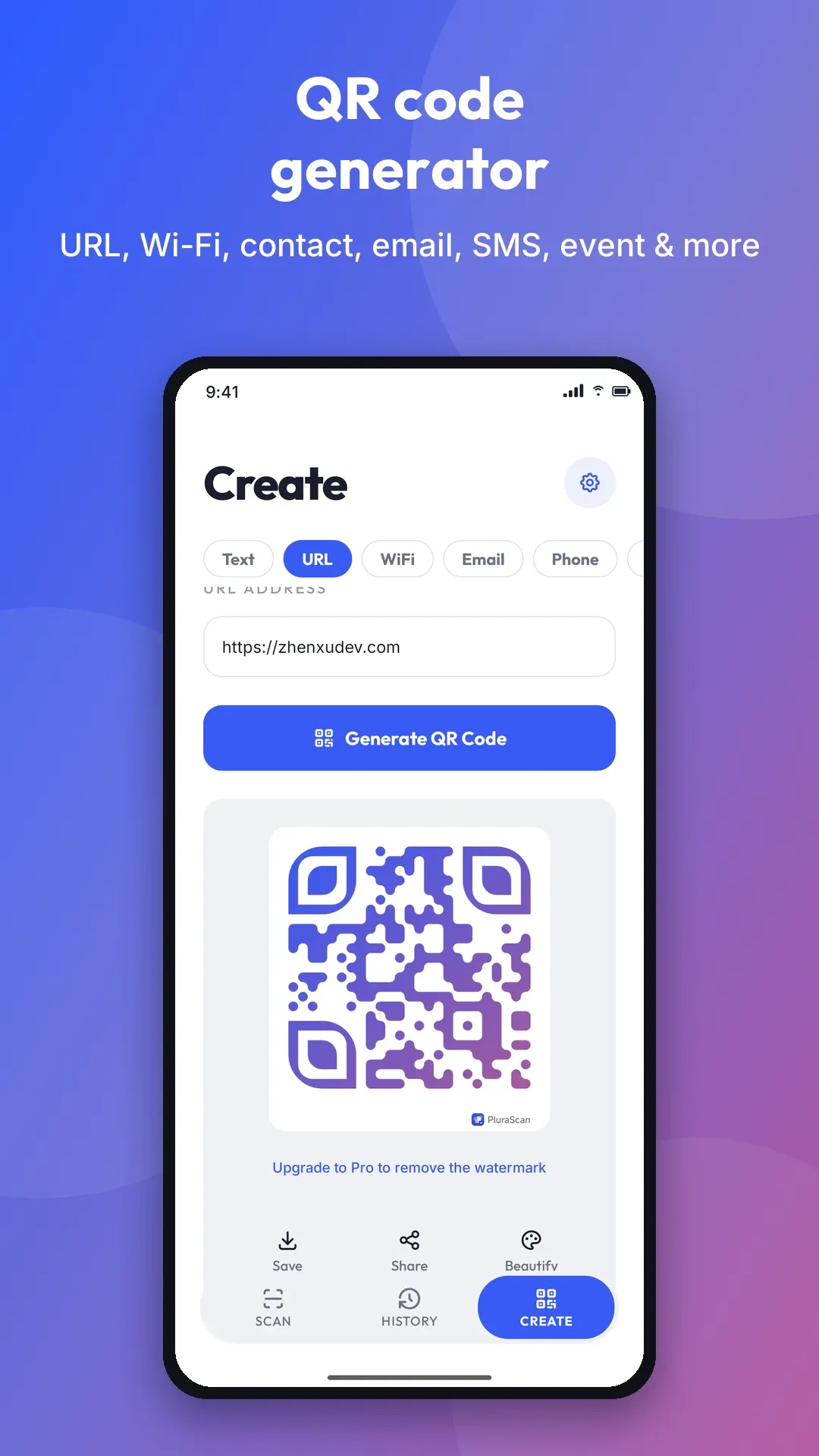
Generate codes for text, URLs, Wi-Fi, email, phone, SMS, locations, events and contacts. Customize dots, eyes, colors and gradients, add your logo, then save or share. Designed QR exports include a watermark on the free tier.
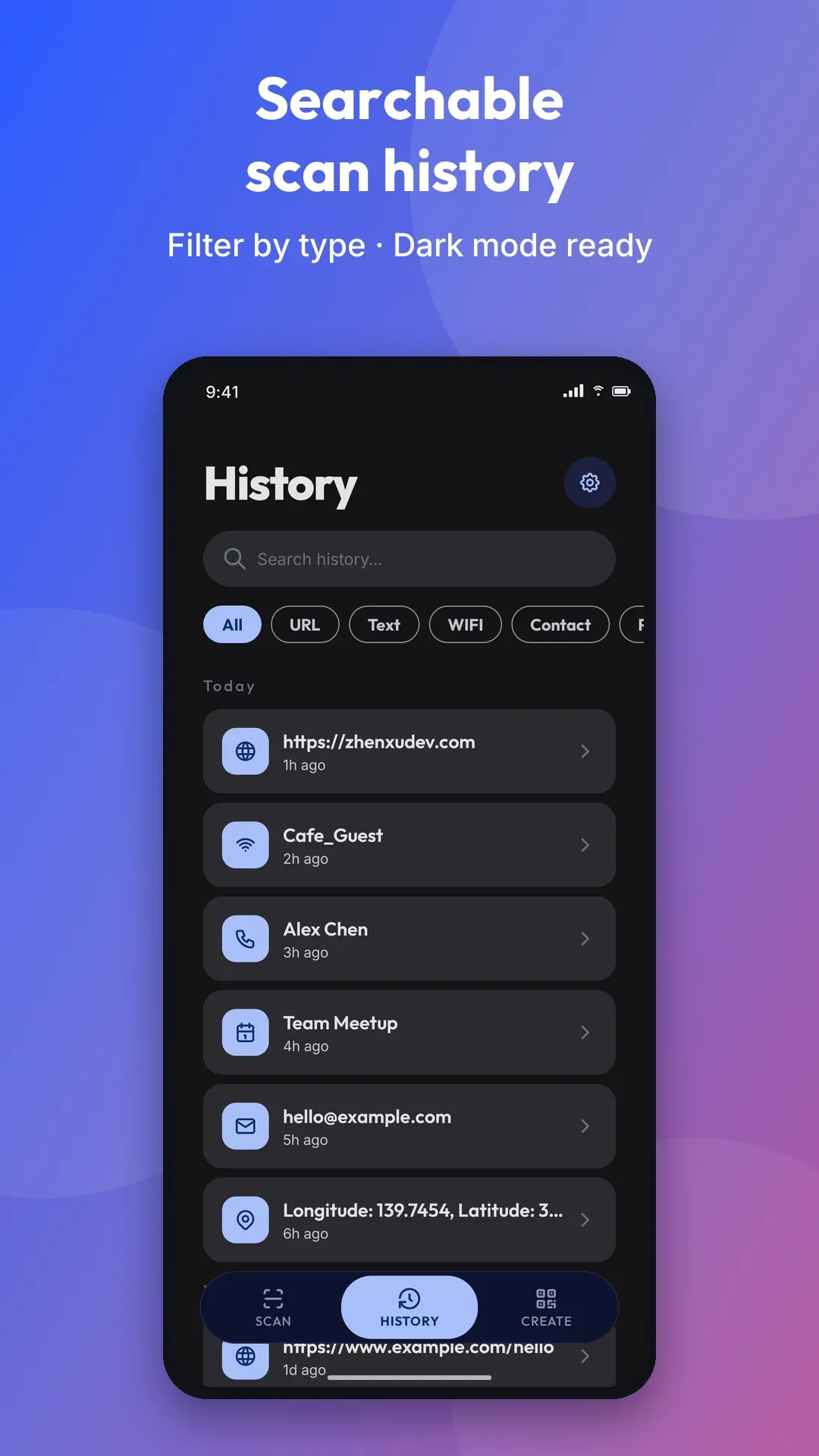
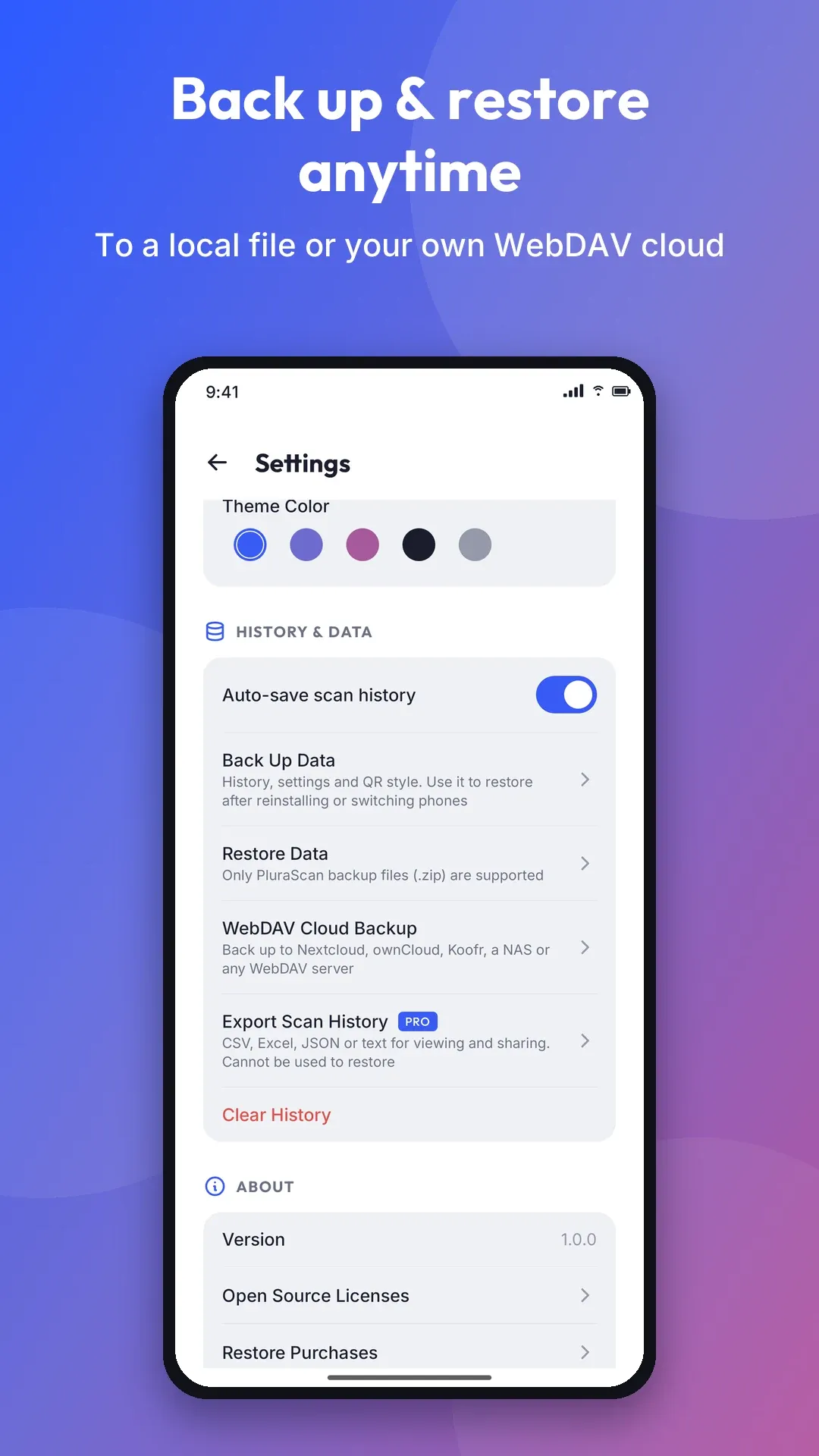
Scans save automatically, with an option to turn this off. Search, filter and bulk delete records. Back up and restore to a file, or manually to your own HTTPS WebDAV server, at no cost.
Camera images are processed on-device and never uploaded. History stays on your phone unless you choose to back it up. No account or ads. Optional usage and crash reporting can be turned off in Settings; purchase validation and ML Kit diagnostics are described in our privacy policy.
Pro · A one-time upgrade
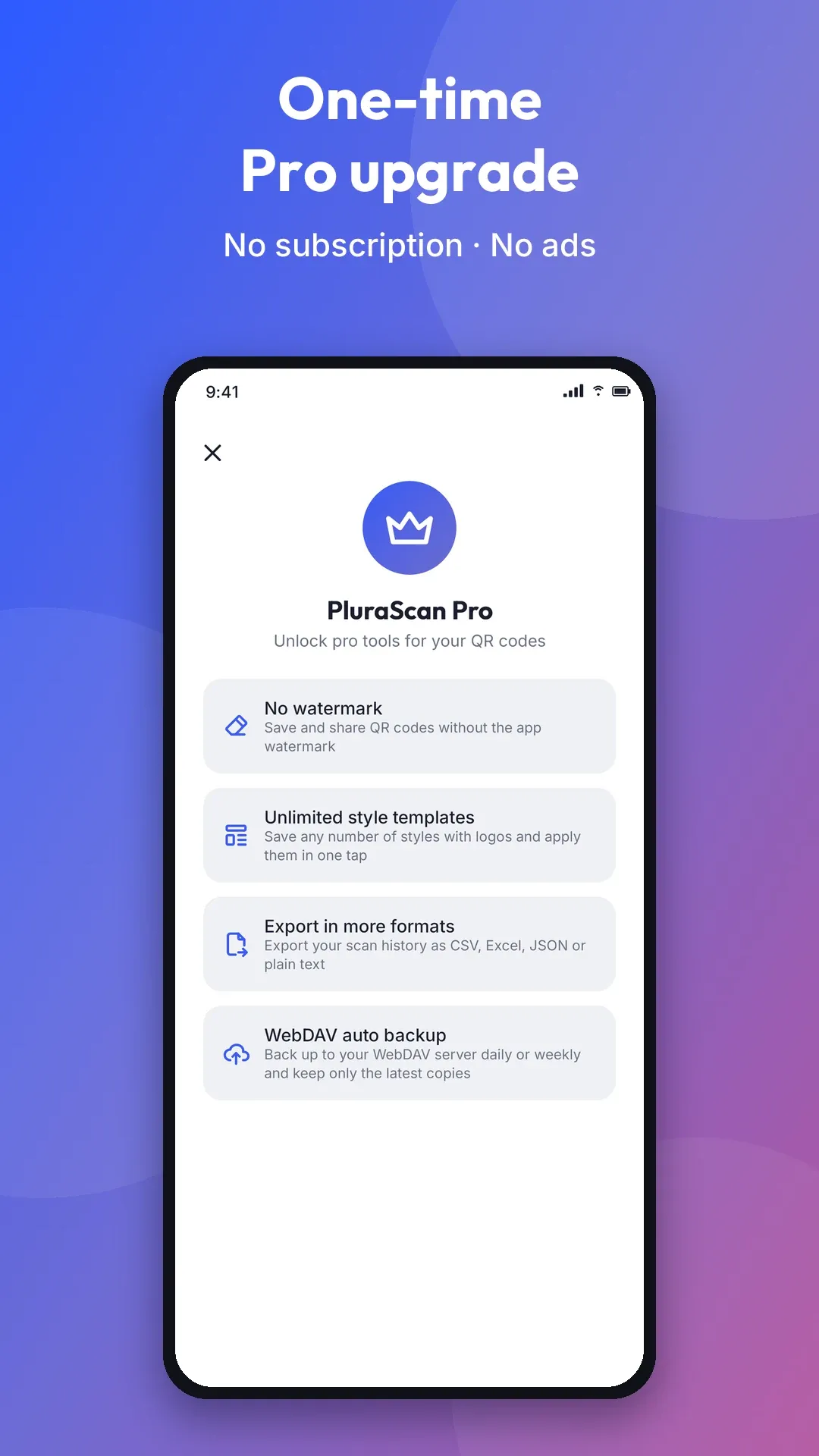
Every scanning feature is free. One optional purchase unlocks Pro — no subscription. QR styling is free to try, with one saved template included.
Information · At a glance
Contact us with product questions, feedback or requests for press materials.